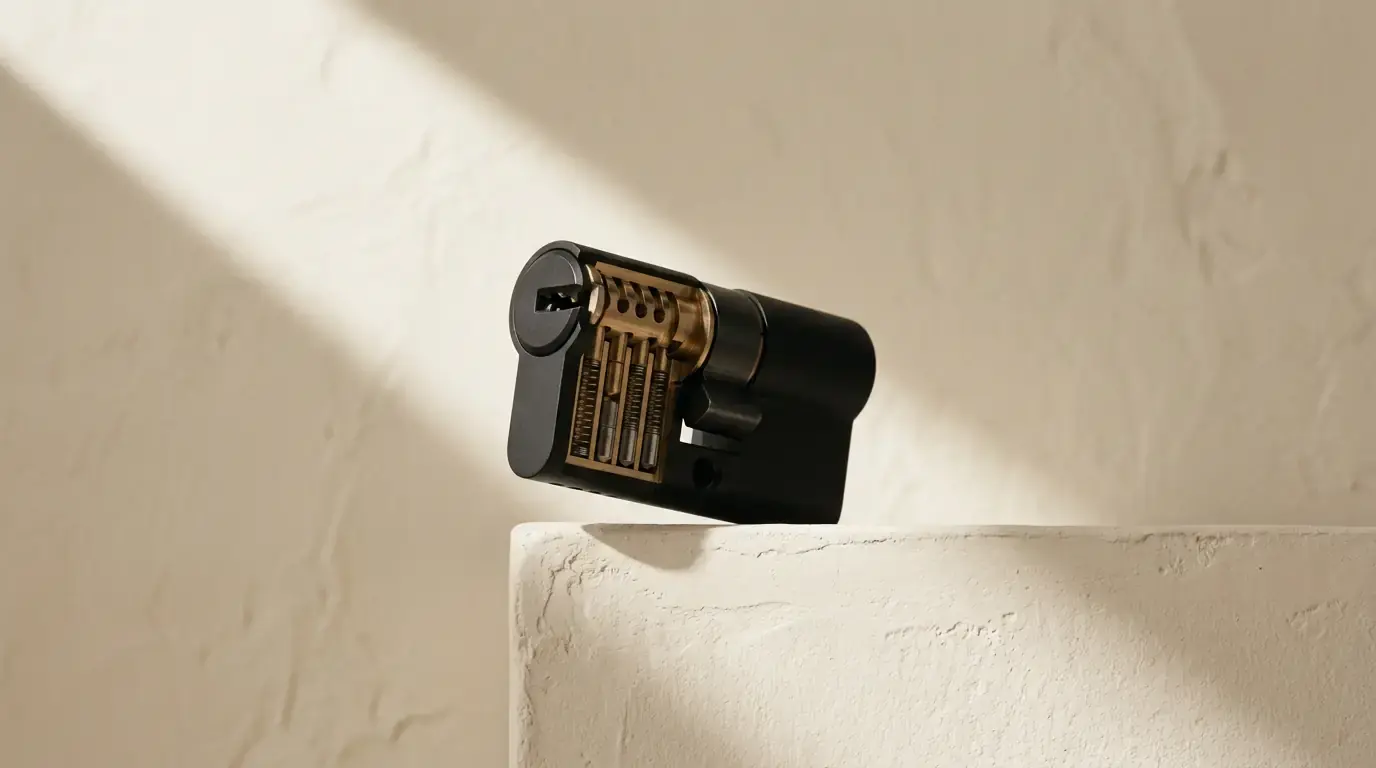
Passkeys vs 2FA: Are Passkeys Enough on Their Own?
Affiliate disclosure: This article contains affiliate links. If you click a link and make a purchase, we may earn a commission at no extra cost to you. Our editorial recommendations are never influenced by commissions — read our full disclosure policy.
Two Things That Solve Different Problems
Passkeys and two-factor authentication get discussed as rivals, and they are not. They sit at different points in the login and they fix different failures. Getting that straight is what tells you whether turning one on means you can turn the other off.
Two-factor authentication adds a step to a password login: you still type a password, then prove you hold something as well. A passkey removes the password step entirely and replaces it with a cryptographic exchange between your device and the site.
So the honest framing is not "which is safer". It is: a passkey is a better first factor, and 2FA is a second factor. Whether you still need the second one depends on what the first one is.
What a Passkey Is, in FIDO's Own Words
The FIDO Alliance, which publishes the standards passkeys are built on, defines one as "an authentication credential based on FIDO standards, that can be stored on your phone or computer, or in a hardware security key allowing a user to sign in to apps and websites with the same process that they use to unlock their device."
Three claims from the same source are worth quoting exactly, because they are the ones that do the work:
- "Passkeys are a password replacement technology." Not an addition. A replacement.
- "Unlike passwords, passkeys are always strong and phishing-resistant."
- "When a user creates a passkey on any of their devices, it gets synced to all the user's other devices using the same passkey provider."
Why Phishing Resistance Is the Whole Point
This is the property that separates passkeys from every code-based method, and it is worth understanding rather than accepting.
A time-based code is just a number. If you can be persuaded to type it into a convincing replica of your bank's login page, the attacker relays it to the real site within its validity window and is in. Your authenticator app did nothing wrong; the code was correct. It was simply typed into the wrong place.
A passkey cannot be misdirected that way because the domain is part of the cryptography. The credential is bound to the site it was created for, and the browser will not offer it to a different one. There is no step at which a human decision can send it somewhere it does not belong. That is what "phishing-resistant" means in practice, and it is why hardware keys and passkeys share the property while codes and push prompts do not.
Side by Side
| Property | Password plus authenticator code | Passkey |
|---|---|---|
| Replaces the password | No | Yes |
| Number of steps for the user | Two | One |
| Resists a convincing fake login page | No | Yes |
| Something to type that can be intercepted | Yes | No |
| Works if the service has not implemented it | Yes, almost everywhere | No |
| Recovery when the device is lost | Recovery codes or a second device | Depends on the passkey provider's sync |
| Useful on a shared or borrowed computer | Yes | Harder, needs cross-device sign-in |
So Do You Still Need 2FA?
Yes, and for four concrete reasons rather than caution.
Coverage. Adoption is uneven. Plenty of services you rely on will not offer a passkey option, and for those, a password plus an authenticator app remains the strongest thing available.
The password usually still exists. Most services that add passkeys keep the password as a parallel route rather than deleting it. If someone can still sign in the old way, the old way still needs a second factor. A passkey on an account whose password login is unprotected has raised the floor, not the ceiling.
Recovery paths are the soft spot. When a passkey is unavailable, services fall back to something — an emailed link, an SMS code, a support process. That fallback is now the weakest point in the chain, and it is very often the thing worth protecting with a second factor and with recovery codes you actually stored properly.
The passkey provider becomes load-bearing. Sync is a feature, and FIDO is clear that credentials propagate through "the same passkey provider". That provider — a platform account or a password manager such as Proton Pass or NordPass — now holds keys to a lot of doors. Protect that account with the strongest second factor it supports, without exception.
What to Actually Do
- Turn passkeys on wherever they are offered. There is no downside and the phishing resistance is genuine.
- Keep 2FA on the same accounts. Do not remove a second factor because a passkey now exists alongside it.
- Protect the passkey provider itself with a hardware key or an authenticator app, never SMS.
- Register a passkey on more than one device where the service allows it, so a lost phone is an inconvenience rather than a recovery process.
- Keep recovery codes for the accounts you cannot afford to be locked out of.
- Check what the fallback is. If a service lets a texted code bypass the passkey, the account is only as strong as that text — see why SMS 2FA is no longer enough.
The Counter-Argument, Fairly Put
There is a reasonable position that says all of the above is over-cautious: a synced passkey plus device biometrics is already two factors in substance — something you have, the device, and something you are, the fingerprint or face that unlocks it — and stacking a code on top adds friction for no real gain. For a well-run account on a modern phone, that argument largely holds.
Where it stops holding is the fallback. Almost every service keeps a way in for the user who has lost everything, and that way in is rarely as strong as the passkey it replaces. Until a service can honestly say there is no weaker route to the account, the second factor is protecting the route you are not thinking about.
Where to Go Next
The ranking of second factors, and why hardware keys sit at the top of it, is in two-factor authentication explained. If you want the practical setup order, that is how to set up two-factor authentication. And if you are choosing where your credentials should live in the first place, start with what a password manager actually is.
Frequently asked questions
Is a passkey better than 2 step verification?
A passkey is a better first factor while two-factor authentication serves as a second factor. Passkeys replace passwords entirely through a cryptographic exchange, offering phishing resistance because the credential is bound to the site. Whether you still need a second factor depends on uneven adoption, password existence, and recovery path security.
What is the difference in passkey vs 2fa security?
Passkeys replace the password step with a cryptographic exchange between your device and the site, resisting fake login pages because the domain is part of the cryptography. Two-factor authentication adds a step to a password login, where codes can still be typed into convincing replicas of login pages.
Do you still need 2fa if you use passkeys?
Yes, for four reasons. Adoption across services is uneven, passwords usually still exist as a parallel route, recovery paths act as soft spots falling back to weaker methods, and the passkey provider becomes load-bearing. Keeping second factors ensures protection on routes you are not thinking about until services remove weaker fallback routes.
Why is a passkey considered phishing resistant?
A passkey cannot be misdirected because the domain is part of the cryptography and is bound to the site it was created for. Browsers will not offer credentials to a different page, meaning there is no step where a human decision can send it somewhere it does not belong.
Covered in this guide


Reviewed by NorwegianSpark Editorial — written with AI assistance and reviewed by the NorwegianSpark SA editorial team · Last updated: 3 October 2026